
Updating firmware
It is recommended to use the latest nileswan firmware. To update your firmware, proceed as follows:
- Ensure your console’s battery is fully charged. SPI and MCU flashing operations may cause brief periods of increased power draw.
- Download the latest firmware update version from here.
- Launch the
.wsfile.
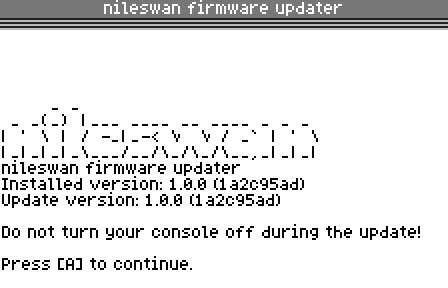
- After reviewing the messages, press
A(orCircleon PCv2) to install. - Wait for the installation to complete. Do not turn off the console until the updater tells you it is safe to do so.